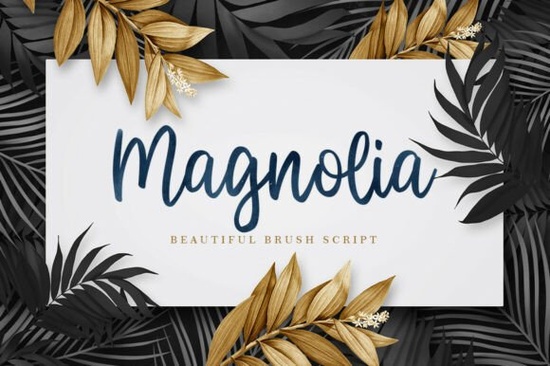
If you're looking for a brush script that feels more like watercolor art than a digital typeface, Magnolia Font is worth a close look. This expressive script carries a hand-painted texture that makes it stand out from standard calligraphy fonts perfect for designers who want that organic, premium feel without spending hours hand-lettering.
What makes Magnolia Font different from other brush scripts?
The key feature is its visible watercolor texture. Unlike smooth, vector-based scripts, Magnolia Font has subtle variations in opacity and edge softness that mimic real brush strokes on paper. This gives it a natural, artisanal quality that works well for luxury branding, wedding invitations, and editorial design in beauty or fashion.
Who is Magnolia Font best for?
If you work in any of these areas, you'll find this font useful:
- Print-on-demand sellers creating product mockups with a handcrafted look
- Wedding stationery designers looking for romantic, elegant typography
- Small business owners building a brand identity that feels premium
- Creative hobbyists making custom invitations or art prints
How to pair Magnolia Font for a balanced design
Because Magnolia Font is decorative and expressive, it pairs best with a clean, high-contrast serif. This combination creates a prestigious visual identity the brush script adds personality, while the serif keeps it readable and grounded. You might also try it with a simple sans-serif for a more modern, minimal contrast.
Similar script fonts to consider
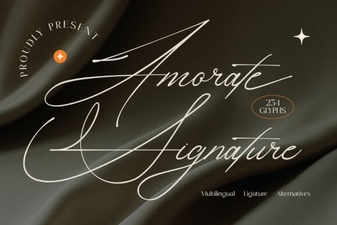
If you like the handcrafted feel of Magnolia Font, you might also enjoy these options. For a slightly more refined and elegant script, Paulina Font offers a graceful, flowing style that works beautifully for formal invitations. If you're after a signature-style look with a personal touch, Amorate Signature Font mimics natural handwriting with a romantic twist. For something with a bit more structure while still keeping that script feel, Ellegrin Font brings a classic, elegant silhouette. And if you're working on celebration-themed designs, Birthday Font adds a playful yet refined touch. For a warmer, sweeter script option, Honey Font has a soft, inviting character that pairs well with botanical themes.
What types of projects suit Magnolia Font best?
This font really shines in:
- Luxury branding – perfume logos, high-end product packaging, boutique signage
- Wedding stationery – save-the-dates, invitations, thank-you cards
- Editorial layouts – magazine spreads, lookbooks, fashion editorials
- Botanical-themed designs – plant labels, garden party invites, organic product labels
Tips for using brush script fonts in your designs
- Use it sparingly – Brush scripts work best for headlines, short phrases, or single words. Avoid using them for long body text.
- Watch the spacing – Because the strokes are organic, you may need to adjust letter spacing manually in some design software.
- Pair with a neutral background – The watercolor texture shows up best on light or solid-colored backgrounds.
- Test readability – What looks beautiful up close might become hard to read at small sizes.
A quick checklist before you use Magnolia Font
- Test it at different sizes to see how the texture holds up
- Pair it with a simple serif or sans-serif for contrast
- Use it for short, impactful text rather than long paragraphs
- Check how it looks on both screen and print
- Consider the mood it's romantic and elegant, so match it with your brand or project tone
If you're curious to see more of what Magnolia Font can do, you can preview it directly and see how it fits into your next project.
Explore Design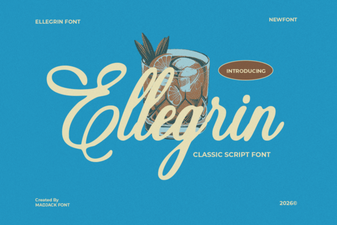 Ellegrin Font: Elegant Designs & Creative Uses
 Restweek Font: a Creative Free Typeface for Designers
 Amorate Signature Font for Creative Designs & Projects
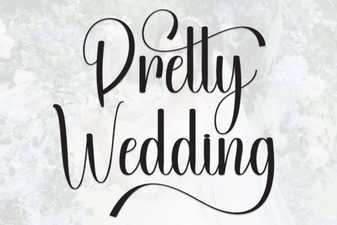 Beautiful Font Ideas for Your Wedding Invitations
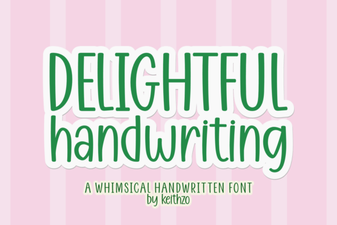 Craft Beautiful Projects with Delightful Handwriting Fonts
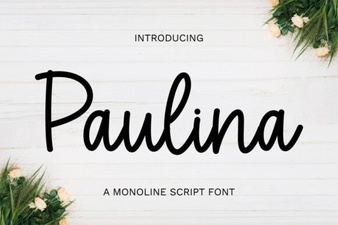 Paulina Font Design Projects and Usage Tips